
Highlight Unlocker
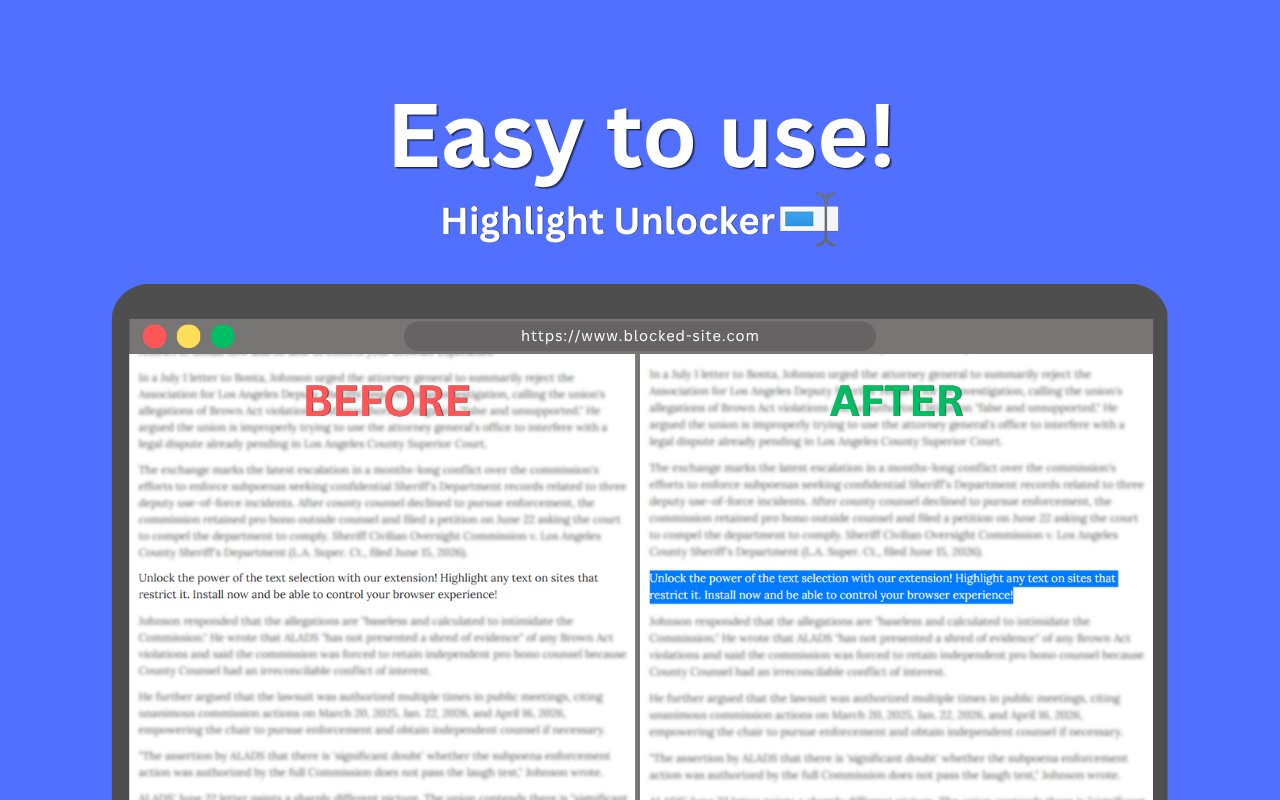
Highlight Unlocker restores normal text selection and copy behavior on websites that try to block it.
 Watch on YouTube
Overview
Many websites use scripts and settings to stop you from highlighting, copying, or right-clicking text. Highlight Unlocker helps remove these restrictions so you can read, research, study, and save information easily.
How It Started
I originally built Highlight Unlocker for personal use during my English classes in college. Several assigned websites blocked selecting and copying text for study notes. Instead of manually retyping paragraphs, I made a quick tool to unlock normal browser behavior. After seeing how helpful it was, I published it to the Chrome Web Store and continued adding new features.
Key Features
Highlight & Select Text
Highlight and select text on websites that try to disable it.
Block Selection Tracking
Prevents websites from spying on the text you select in real time.
Copy Raw Text
Prevents websites from overriding or altering your clipboard content.
Keyboard Shortcuts
Easily use copy, cut, and select-all keys (Ctrl+C, Ctrl+X, Ctrl+A).
Enable Right Click
Restores the right-click menu on sites that try to block it.
Invisible Block Cleansing
Clears invisible overlay layers so you can select the actual text underneath.
Auto Unlock
Automatically unlocks text as you scroll and browse dynamic pages.
Custom Highlight Colors
Choose your own favorite selection highlight color in settings.
Invisible Highlight Mode
Copy text without showing any highlight color.
Blacklist Sites
Choose websites where you want the extension to remain turned off.
Easy One Click Toggle
Turn the extension on or off quickly directly from the popup menu.
Zero Data Collection
The extension runs entirely on your device and does not collect or transmit any user data.
Technical Information
| Architecture | Manifest V3 |
|---|---|
| Compatibility | Google Chrome, Microsoft Edge, Brave, Opera, and all Chromium browsers |
| Permissions | storage, scripting |
| Privacy | Does not collect, track, or transmit any user data or browsing activity. |